

 WhatsApp
Web and mobile app development for a defined first release
Growmoon plans web and mobile apps around the people using them and the systems they need. Agree the core journeys, backend connections, tests and release responsibilities before choosing what to build.

Who we build apps for
Founders validating a product and businesses replacing an outdated customer or staff application.

What we can help you plan
- User journeys and interface planning
- Responsive web applications
- Mobile application development
- Backend services and admin tools
- Release preparation, testing and handover
Prepare a project brief
Share your target users, supported devices, important screens and existing systems. We will distinguish first-release essentials from later improvements before estimating.
Agree the deliverables, review milestones, acceptance checks and handover responsibilities in writing before work begins.
What affects the estimate?
Platform coverage, offline behavior, payment flows, real-time features, accessibility needs and integration complexity affect the estimate. Store submission preparation and maintenance should be scoped explicitly.
App-store accounts, platform fees and third-party subscriptions belong in the project plan. Store approval is controlled by the platform and cannot be guaranteed.
Do you need web, iOS and Android apps?
Not always. Start with how users access the product and which device features they need. A responsive web app may be enough; mobile requirements can justify a cross-platform or platform-specific approach.
Essential journey agreed
Meaningful exceptions included
Evidence ready to inspect
Plan browser and app store releases
A web application is delivered through a browser; a mobile application also needs a device and distribution plan. Decide which users need which experience. A customer app, an internal dashboard and an administrator interface should have separately defined roles and permissions.
- List the browsers, device types and operating-system versions to support.
- Identify whether offline use, notifications or device features are needed.
- Clarify which backend and administrator functions are part of the build.
Map the complete user journey
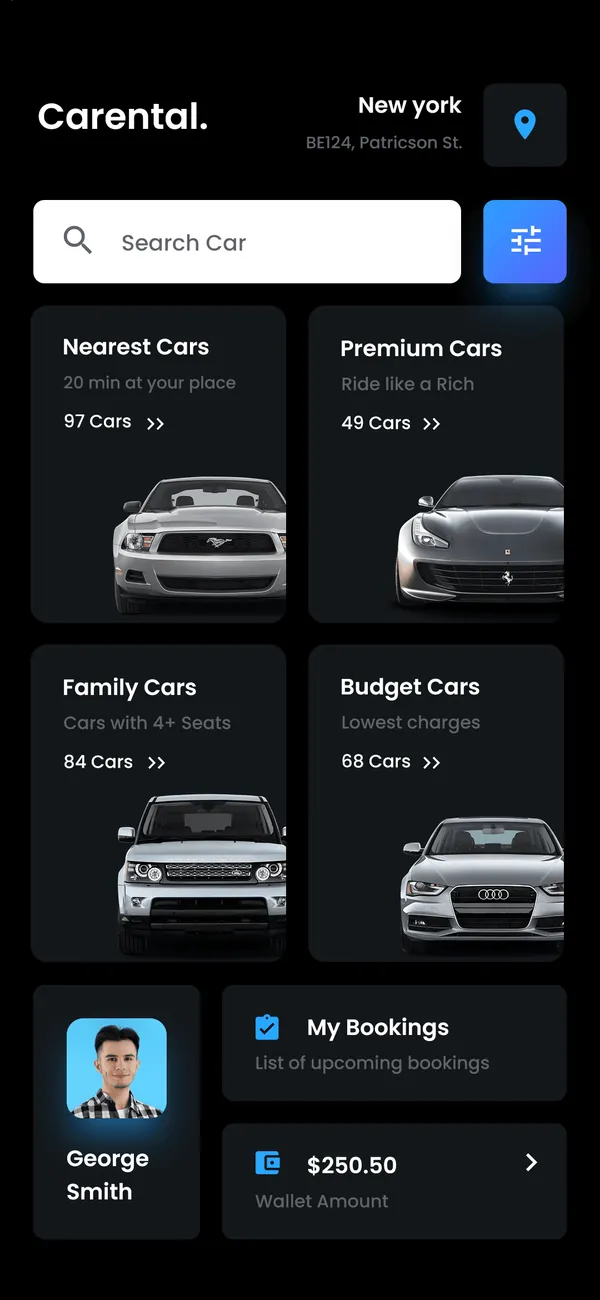
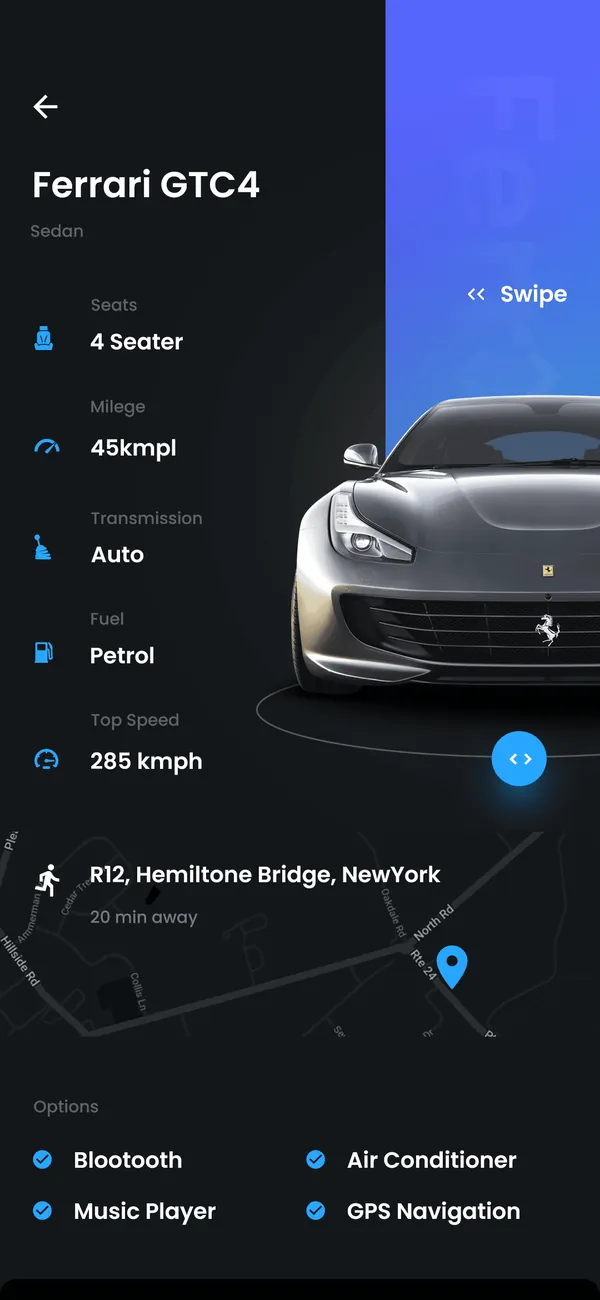
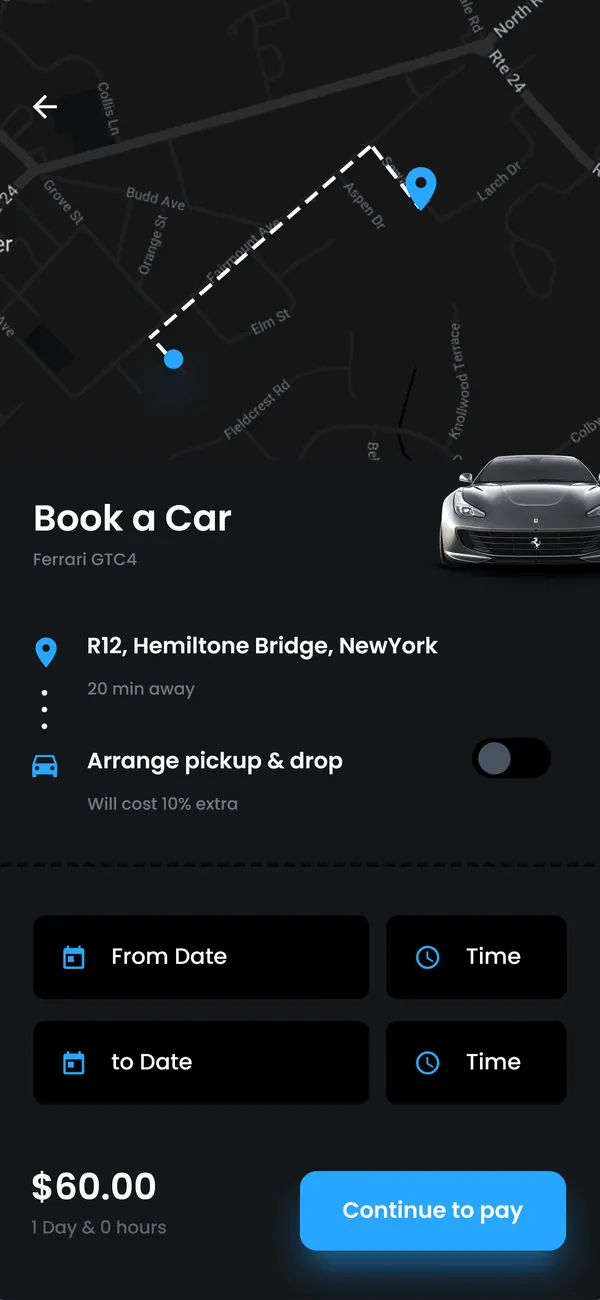
Start with the main user journey and the system behind it. A booking screen, for example, depends on availability, confirmation, changes and cancellation handling. Testing should cover those paths and failures as well as the visual screens.
- Agree design review and acceptance milestones.
- Define account, integration and data responsibilities.
- List release assets, access credentials and handover documents to be supplied.
Application release and handover
- Release coverage
- Browsers, devices and operating-system versions.
- Accounts and integrations
- Account, integration and data responsibilities.
- Release assets
- Assets and access to be supplied for release.
- Handover documents
- Build instructions and agreed acceptance checks.
Improve an existing app or start a new one
For an existing application, begin with a review of the available source, build instructions, dependencies and known defects. The next step may be a contained fix, a phased upgrade or a new application. The choice should follow the evidence from that review.
Questions about web and mobile apps
Are app-store fees and approvals included?
Store accounts, provider fees and submission responsibilities need to be listed in the proposal. Development does not guarantee acceptance by an app store; its review process remains outside Growmoon’s control.
Is a website included with a mobile app?
Only if the agreed scope includes it. Specify customer-facing web pages, web application features, backend services and admin screens separately so the estimate covers the intended product.
How should I prepare an app brief?
Describe the users, the three most important journeys, the systems involved and your intended release markets. Add example screens, a budget range and any deadline constraints; do not send production passwords.
Catalogue apps to evaluate
These are product listings, not client case studies or proof that every requested customization is already included.
Compare app development partners
Ask to see a relevant journey on the devices that matter to your users. Separate interface previews from working integrations. Confirm the selected release platforms, store-account ownership, acceptance devices and ongoing maintenance responsibilities.
Review our approach
Ask which similar workflows and technical decisions can be discussed for your scope. Any project materials shared during evaluation depend on the relevant permissions.
Tell us what the app needs to do
Share the workflow, product or integration you have in mind. We will use the brief to discuss scope and a sensible next step.
Start a project conversation