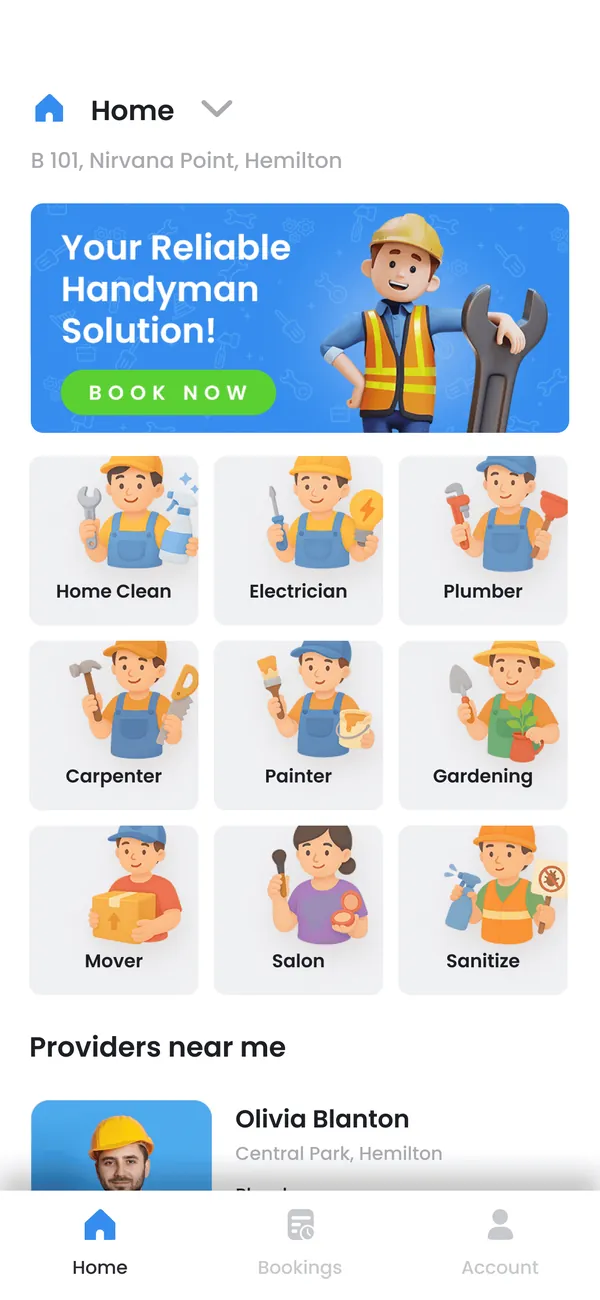
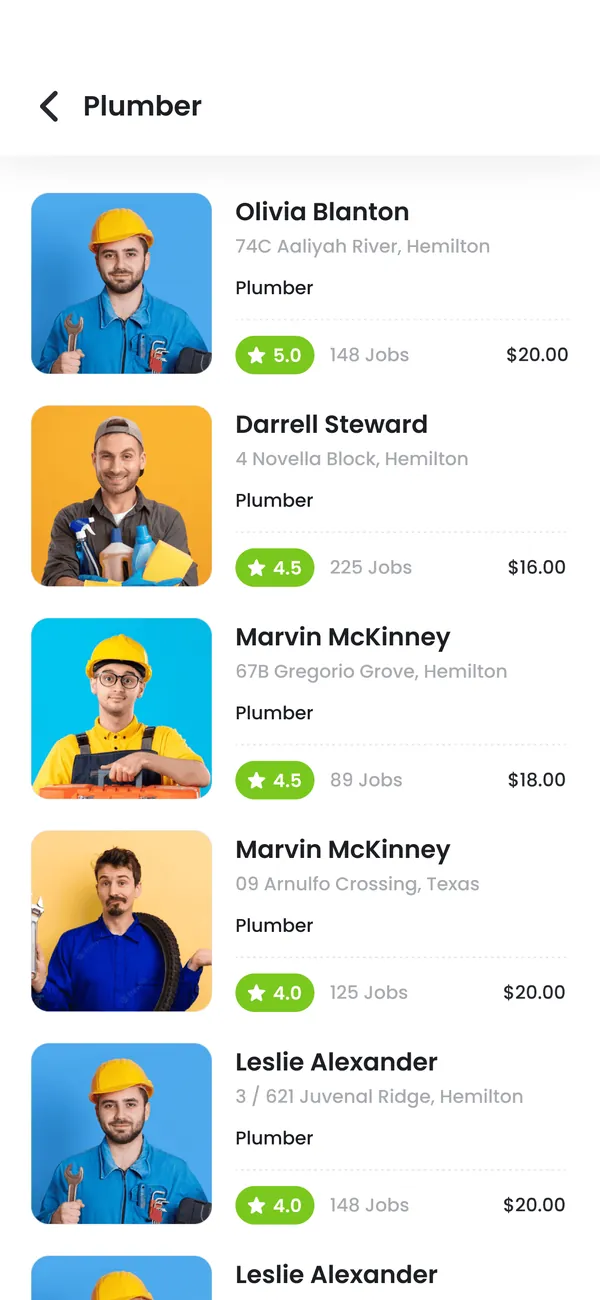
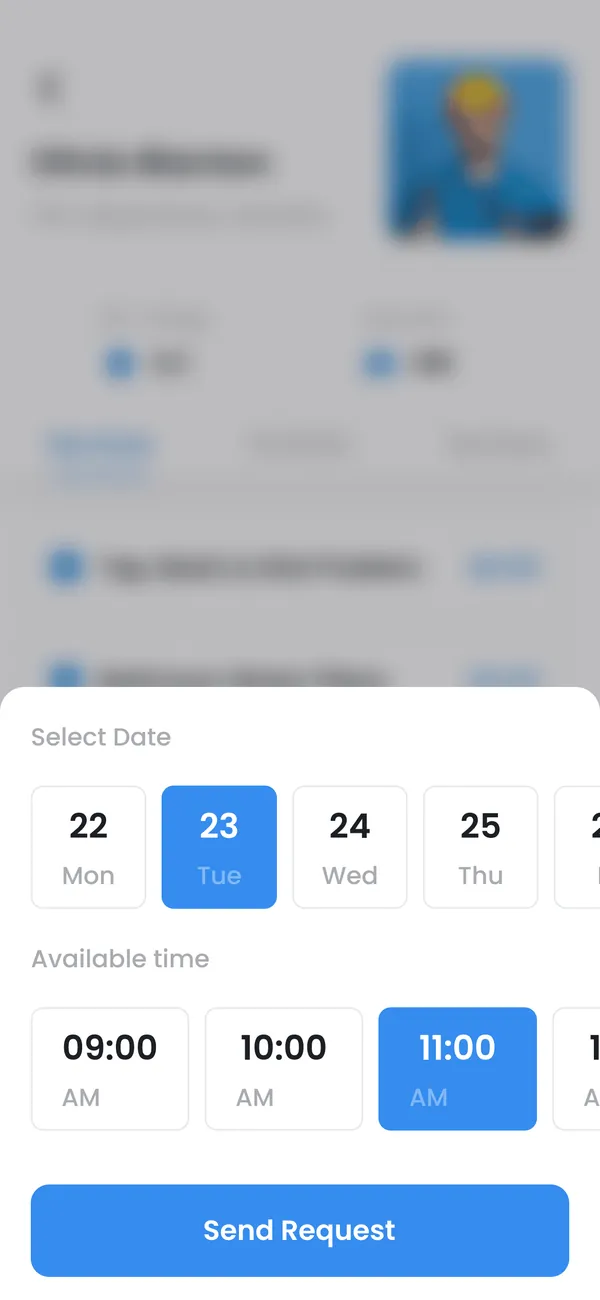
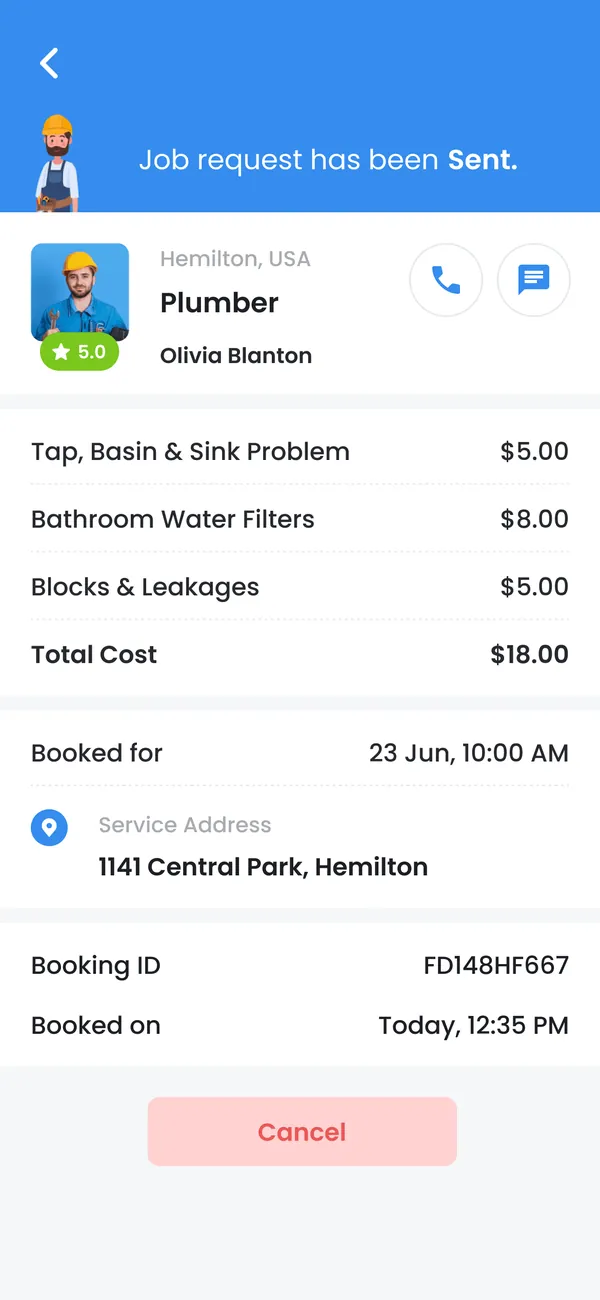
Use case 01
Customer services
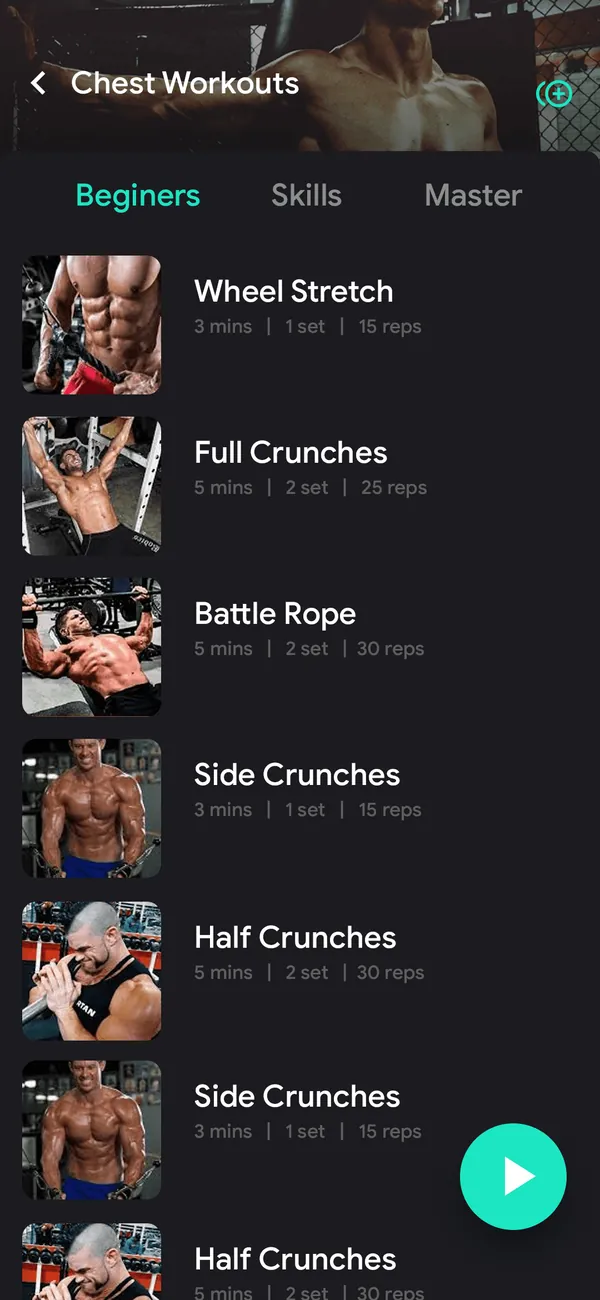
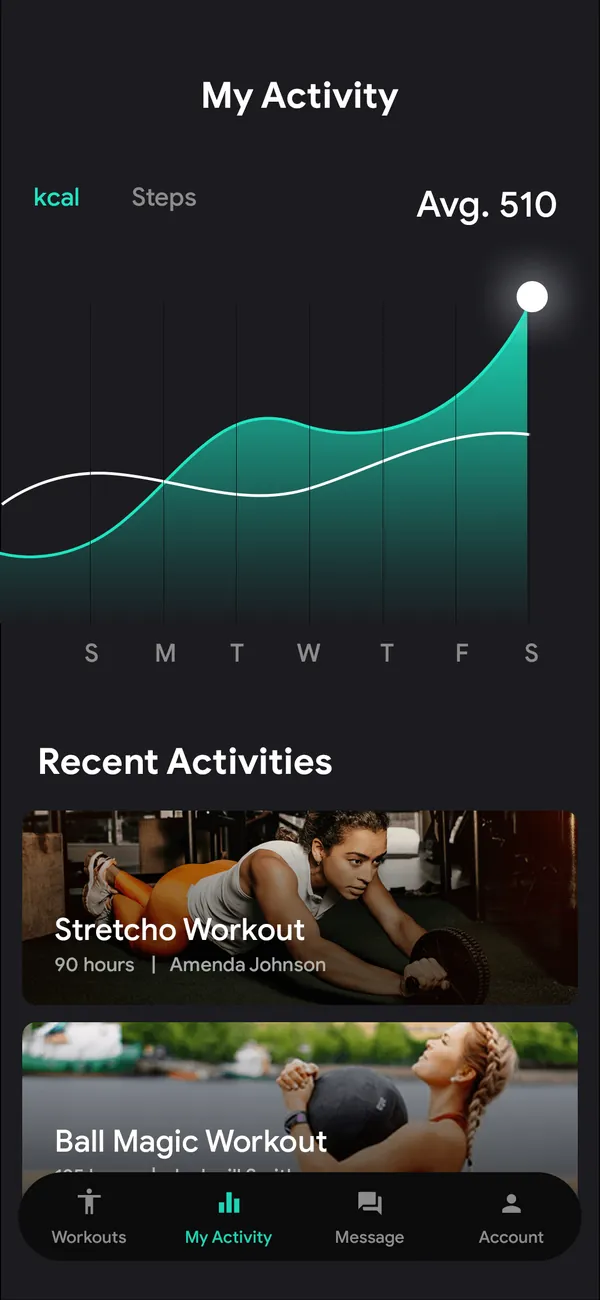
Let users book, order, manage a membership or check progress without losing their place. Prioritize the moments that need a mobile interface instead of recreating every website page.
Plan this workflow

Growmoon designs and develops iOS apps with the backend connections they need. Start with one customer or staff journey, then agree which devices, permissions and release steps belong in the first version.

Map how a person gets to the feature, when the app asks for permission and what it shows during loading or an interruption. Check those states alongside the main flow before marking the feature complete.
Choose a use case to see what the experience needs to connect.
Let users book, order, manage a membership or check progress without losing their place. Prioritize the moments that need a mobile interface instead of recreating every website page.
Plan this workflow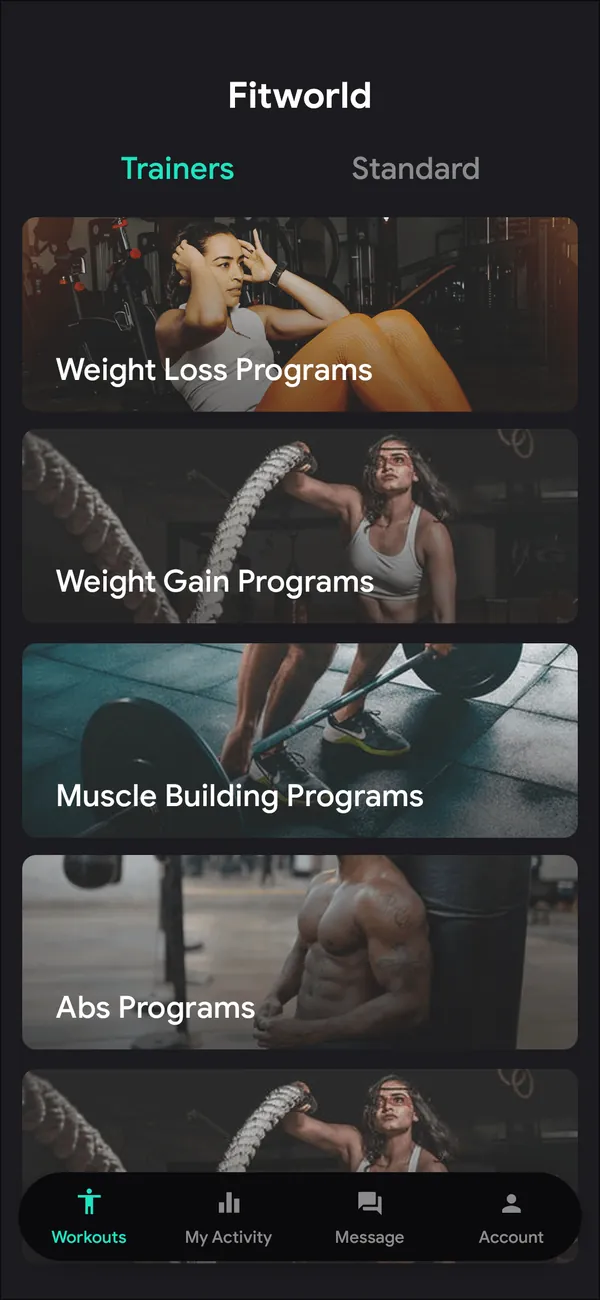
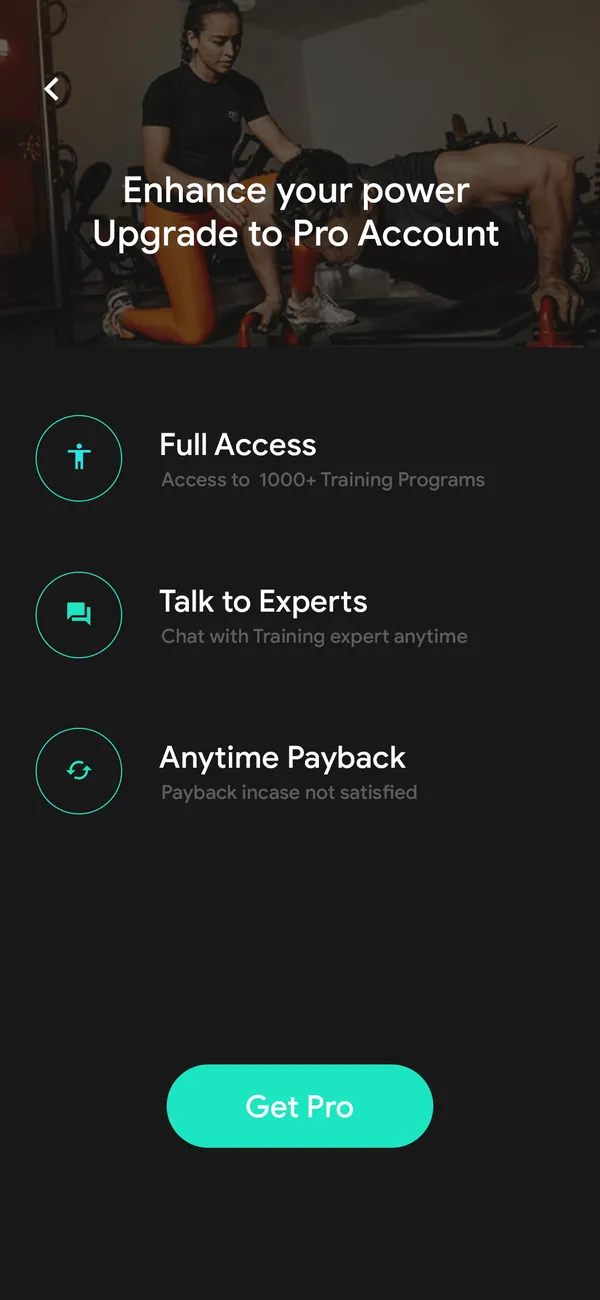
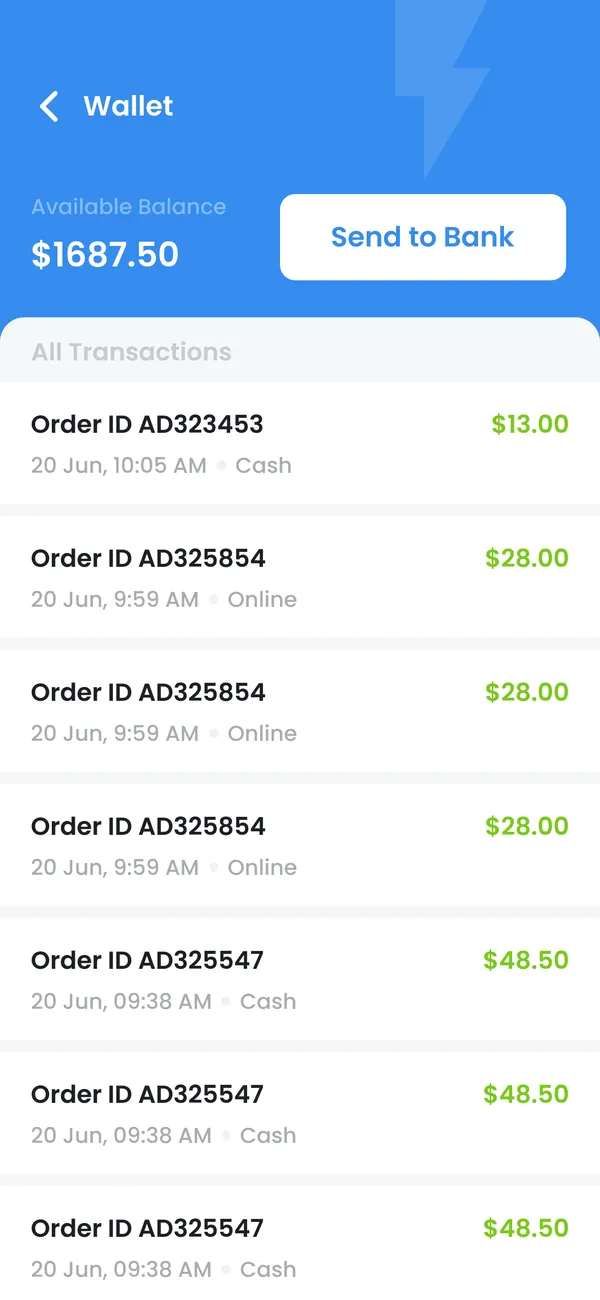
Connect account access, benefits and activity history. Make eligibility and redemption rules understandable, and keep account recovery part of the experience.
Plan this workflow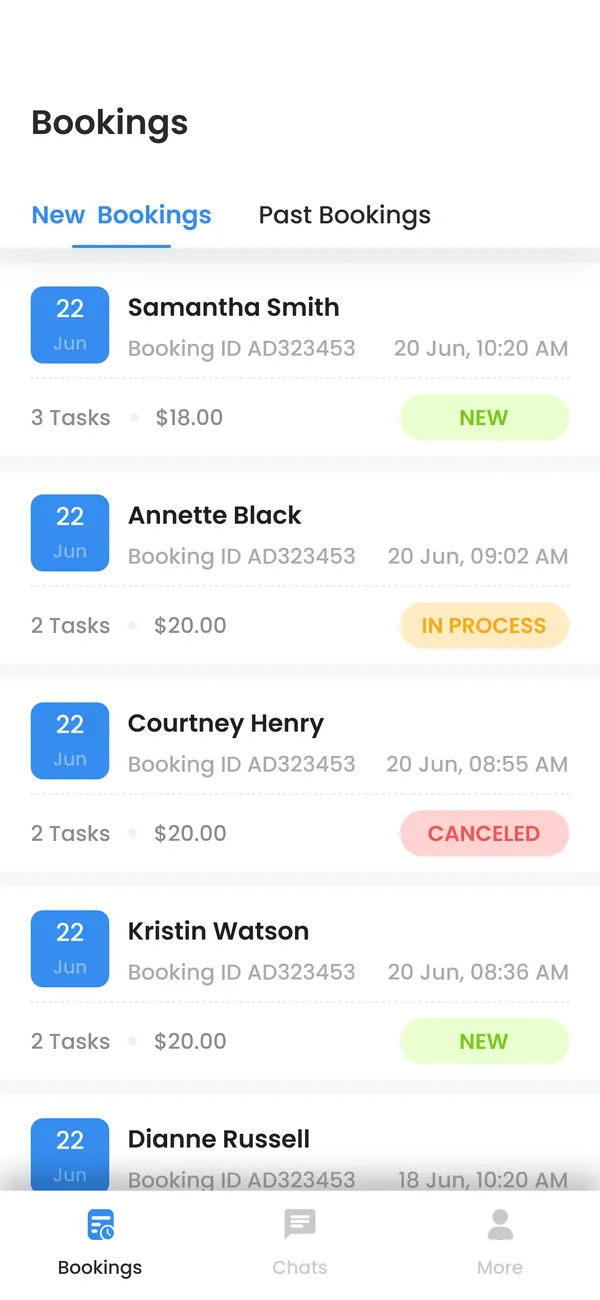
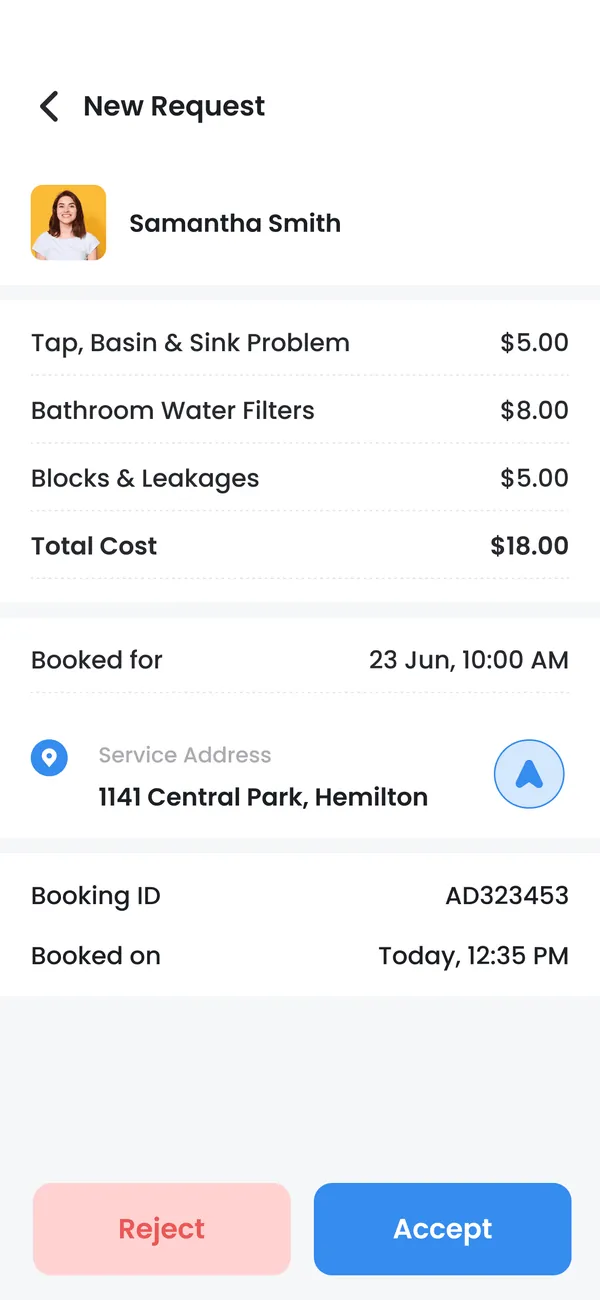
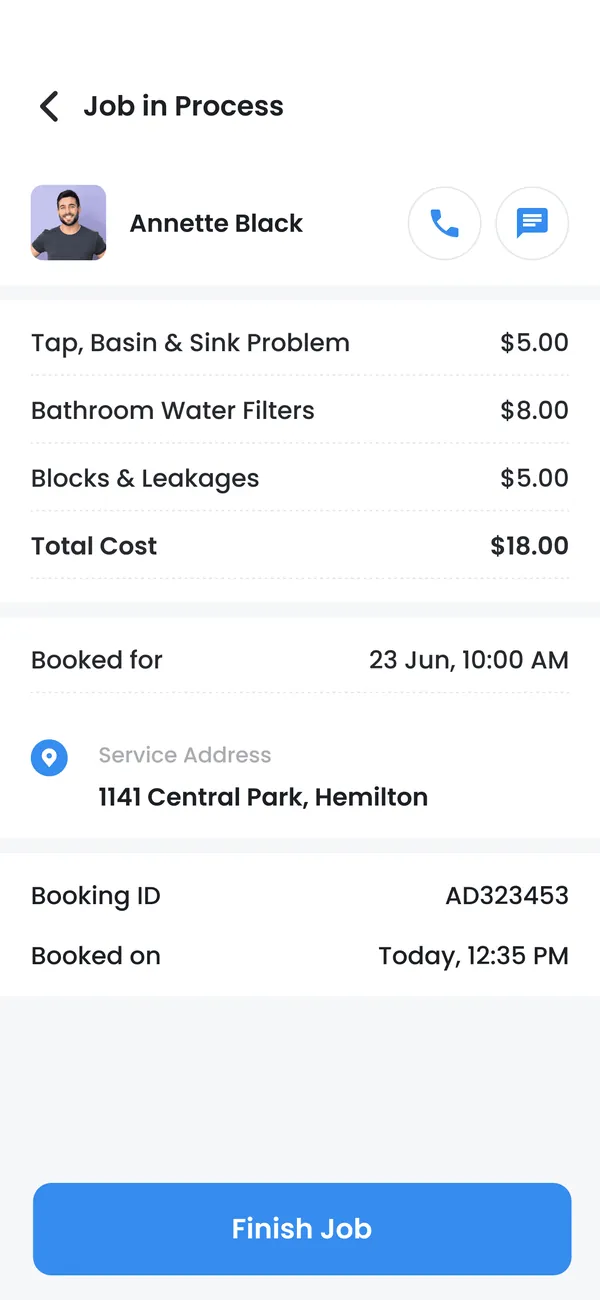
Bring approvals, records and task updates to the people who need them on the move. Define how the application and desktop system share responsibility.
Plan this workflow


Organize content discovery, profiles and interaction around useful navigation. Plan moderation, notification preferences and reporting as part of the product.
Plan this workflowThe right architecture follows the workflow, data and operating environment. Tool choices are part of the project scope.
Swift and platform tooling for a native implementation where appropriate.
Backend APIs, agreed device capabilities and business-system connections.
Test builds, device checks, store materials and owner-account handover.
Navigation and interactions appropriate to iPhone and iPad scope.
Sign-in, recovery, session handling and profile management.
API contracts and consistent loading, empty and error states.
Readable text, clear controls and assistive-technology considerations.
Configuration separation and documented signing requirements.
Build instructions, dependency notes and agreed maintenance scope.
Identify the core iOS journey, supported devices and any existing service dependencies.
Review navigation, permission prompts and loading and error states.
Build and review the core screens, account flows and agreed integrations.
Test the experience on agreed devices and document release and account ownership.
We plan how account data is stored, how sensitive screens are protected and which permissions the application needs. External services and paid platform features are identified during scoping so operating costs and account ownership are clear before release.
The agreed journey works on the selected iPhone/iPad coverage.
Text scaling and navigation remain usable across key screens.
Account recovery and session expiry lead to clear outcomes.
Yes. We can define shared product behavior while choosing the implementation approach for each platform. Native and cross-platform options should be compared against the actual feature needs.
Yes, where its API and authentication support the required journey. We map the account and entitlement rules before implementing screens.
The business should retain ownership of its developer account and production services. Access and release responsibilities are agreed during the project.
No. We can prepare the build and submission materials and address review feedback within the agreed scope, but the platform makes the approval decision.
Share the users, the systems involved and the outcome you want the product to support.
Discuss iOS development