Use case 01
Customer applications
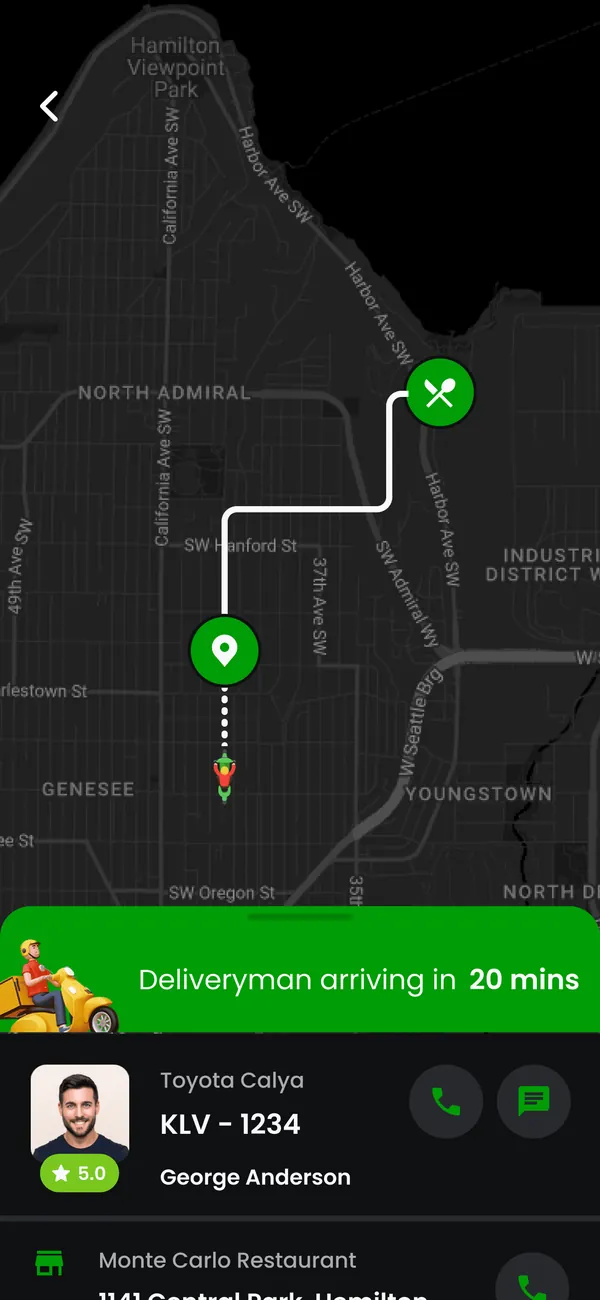
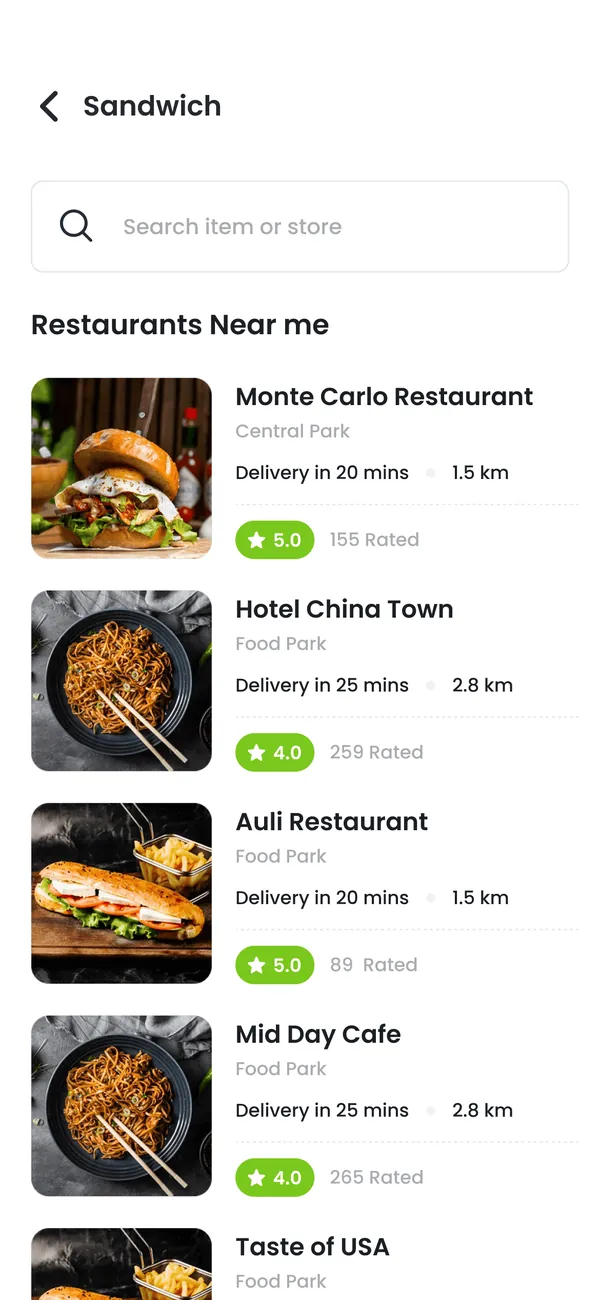
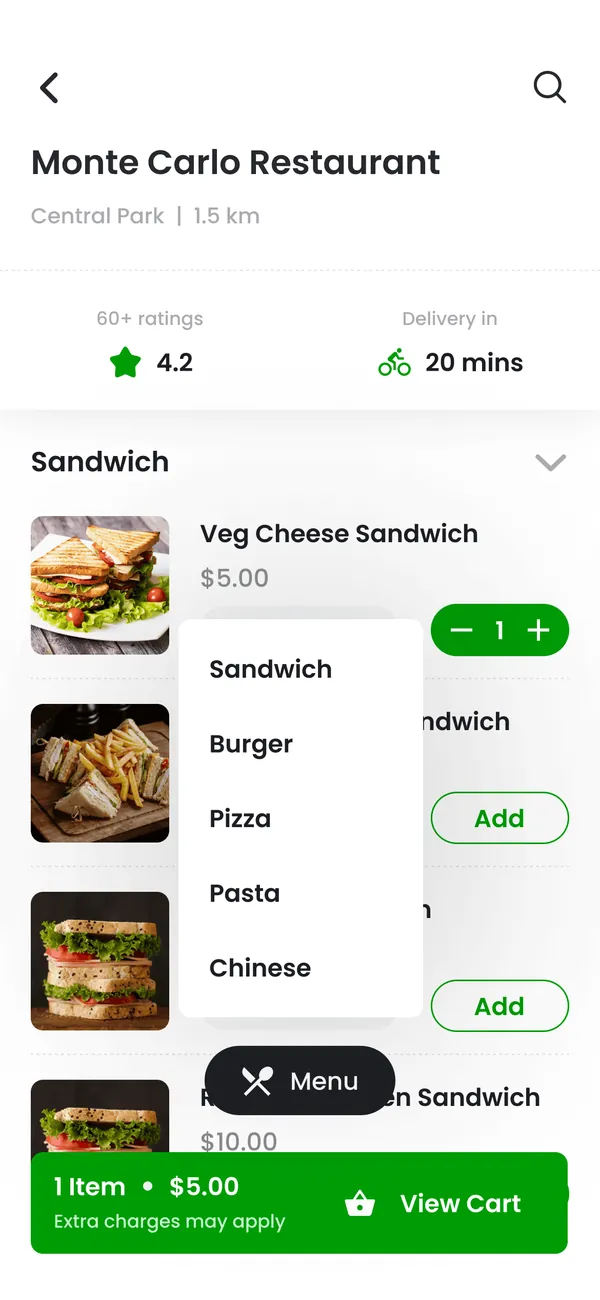
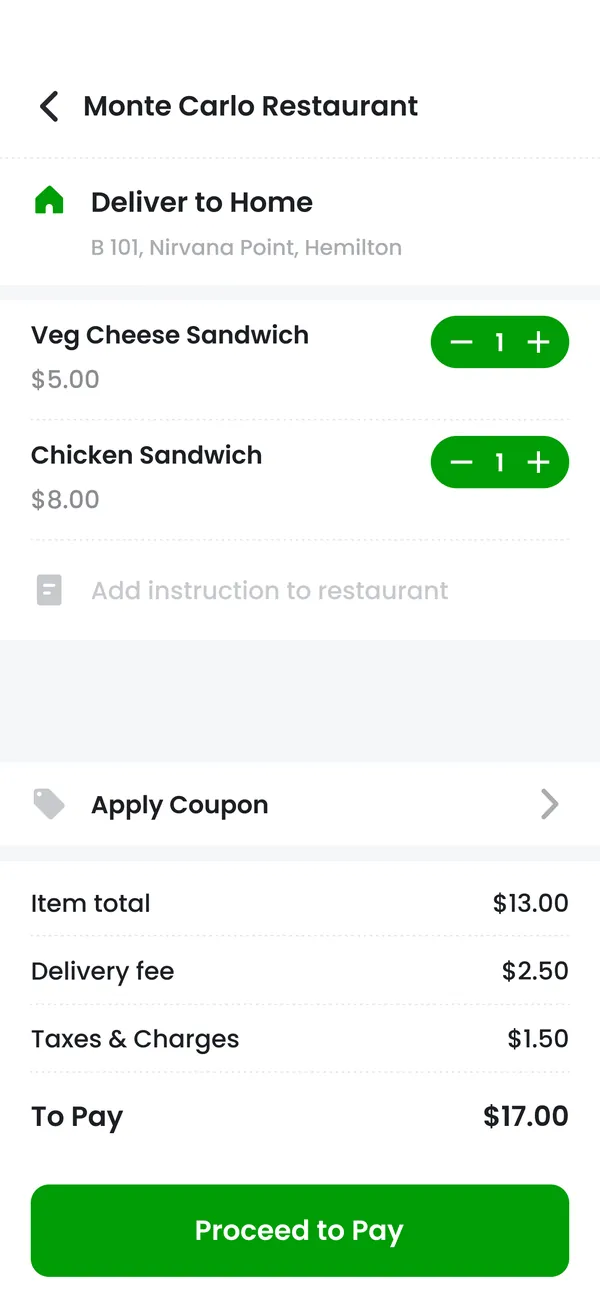
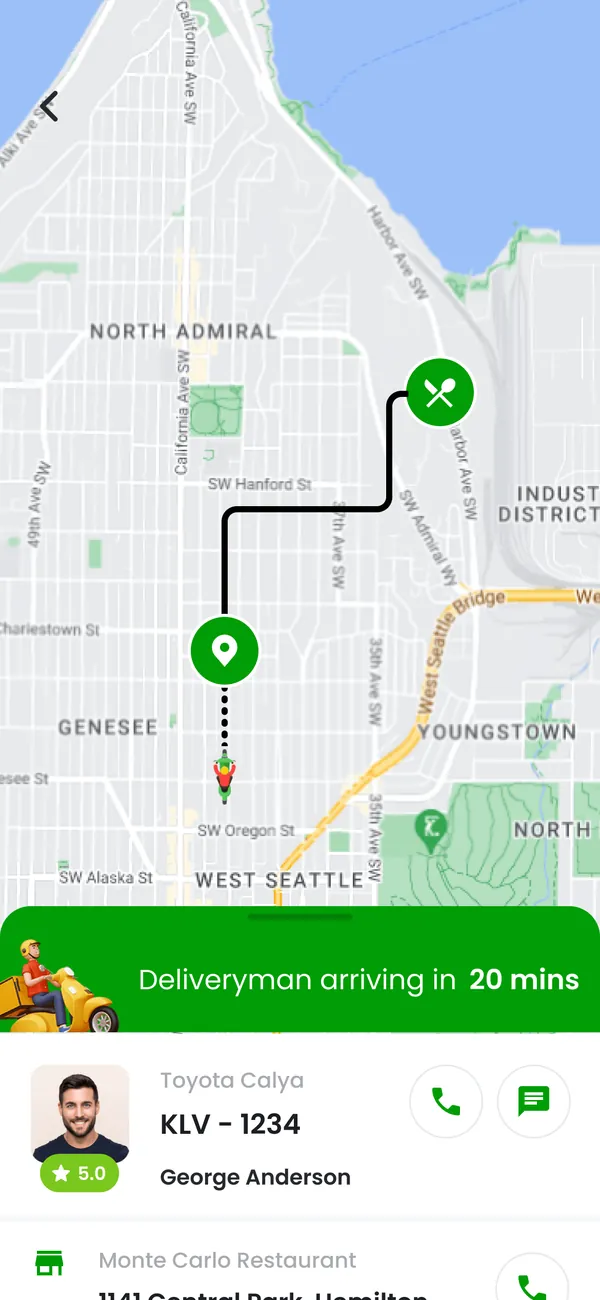
Help users discover an offer, complete a booking or order, and follow its progress. Design the important action first, then add the account and history screens around it.
Plan this workflow

Growmoon builds Android apps for customer and staff workflows. We plan the screens, backend and administration together. Agree the devices, connection conditions and release steps your app needs to support.

Review what happens when an Android user changes devices, loses their connection or declines a permission. Prototype the core journey and its empty and error states before adding more features.
Choose a use case to see what the experience needs to connect.
Help users discover an offer, complete a booking or order, and follow its progress. Design the important action first, then add the account and history screens around it.
Plan this workflow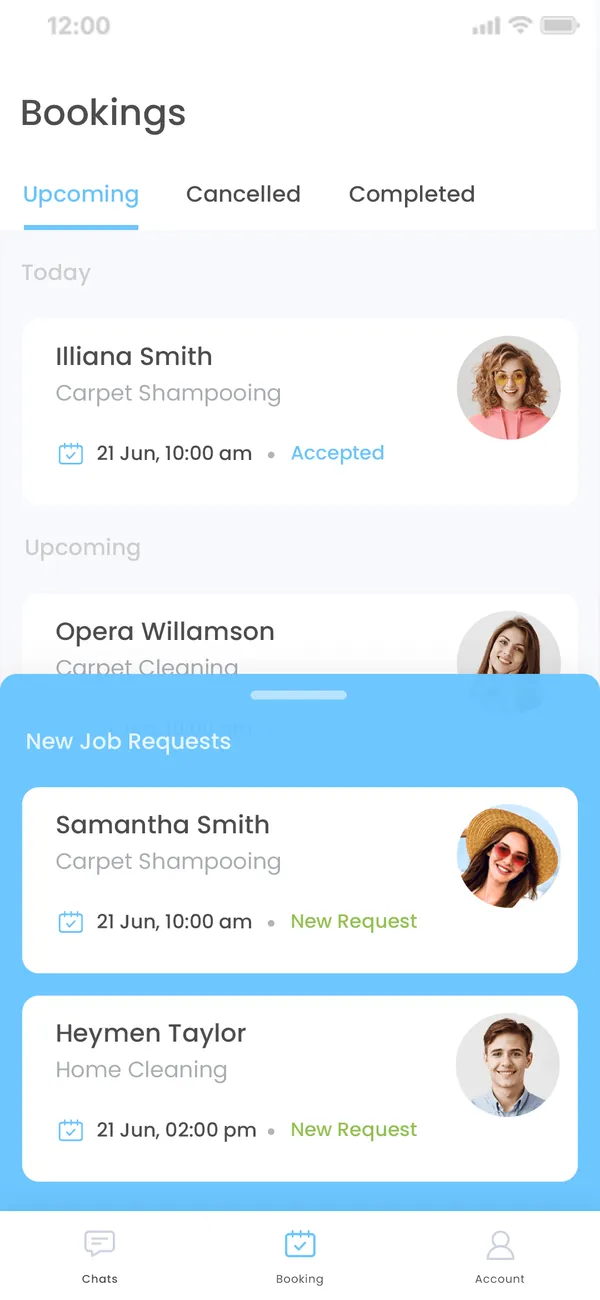
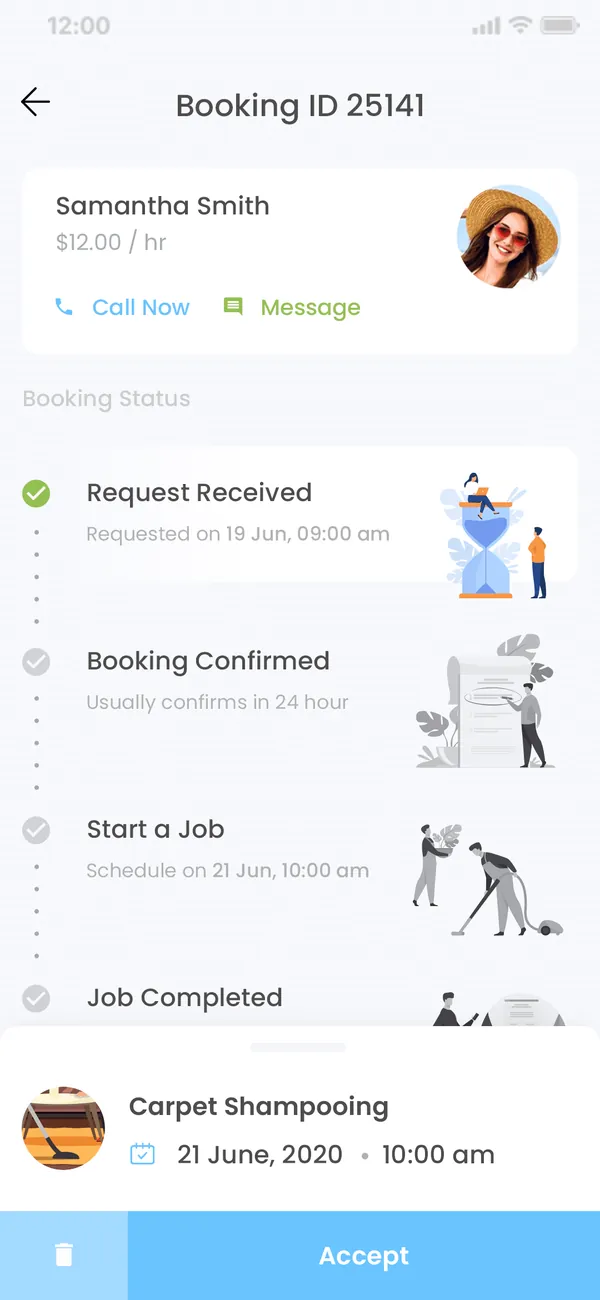
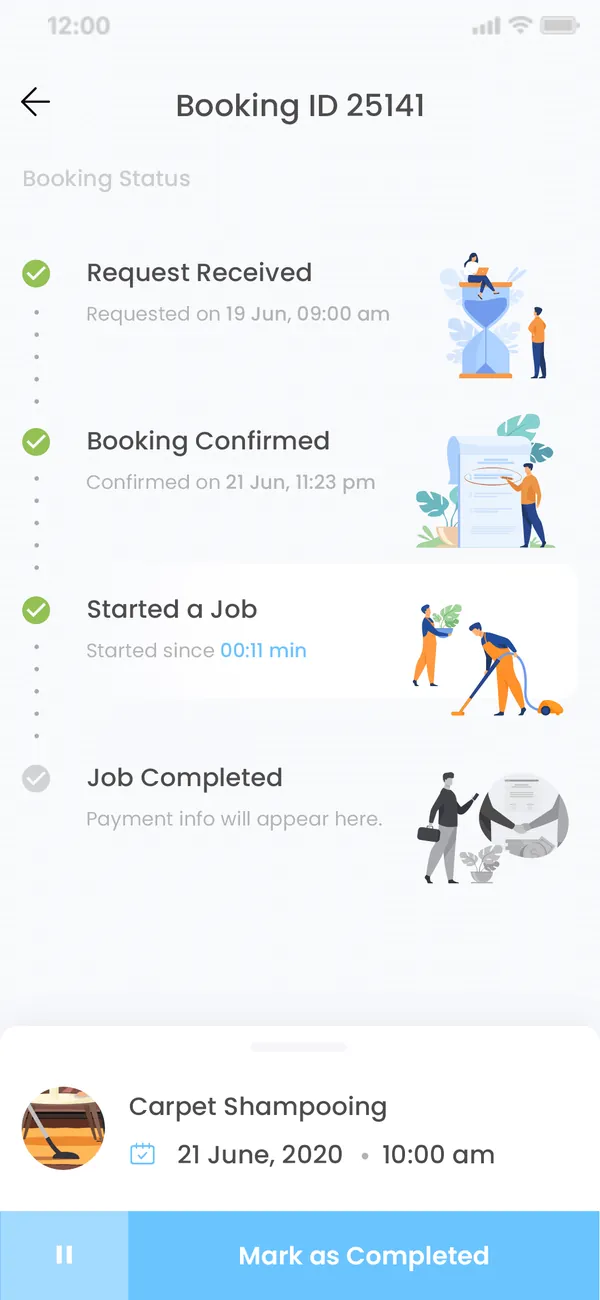
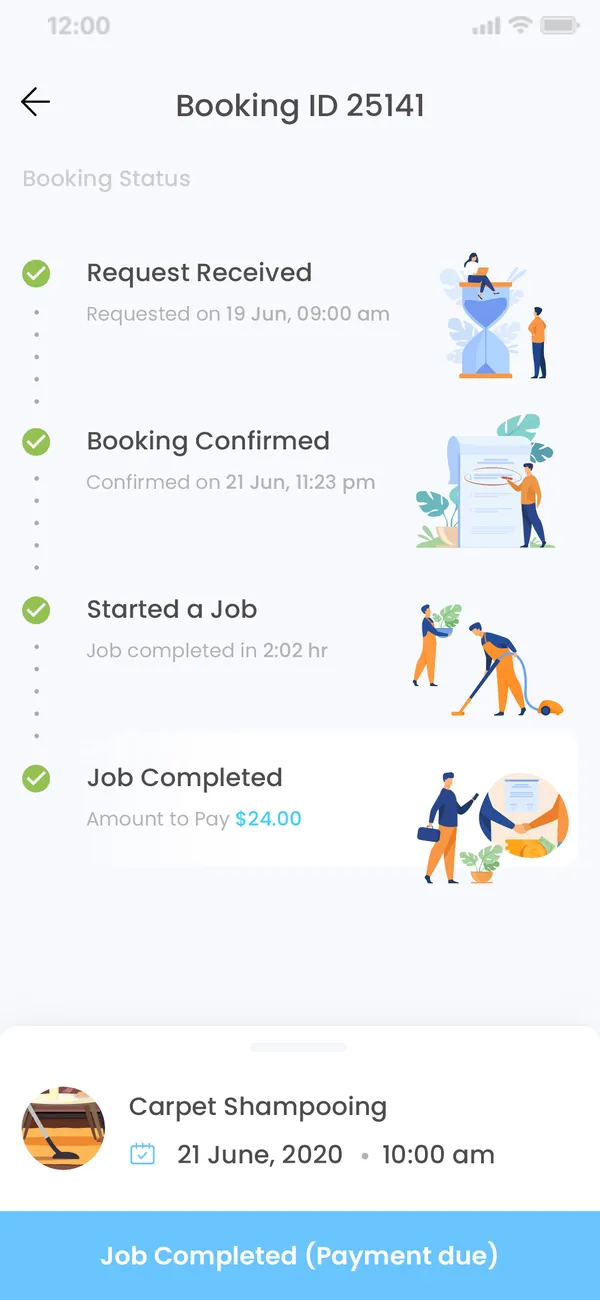
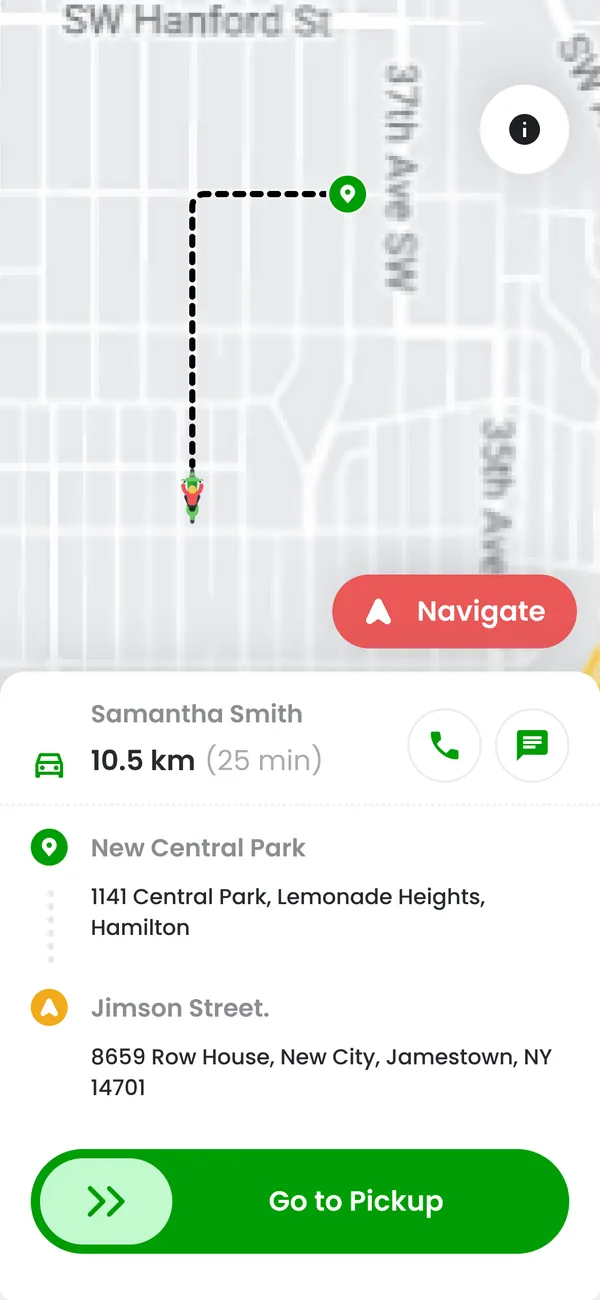
Give staff the tasks, forms and records they need away from a desk. Define offline behavior and synchronization rules when the work takes place on unreliable connections.
Plan this workflow
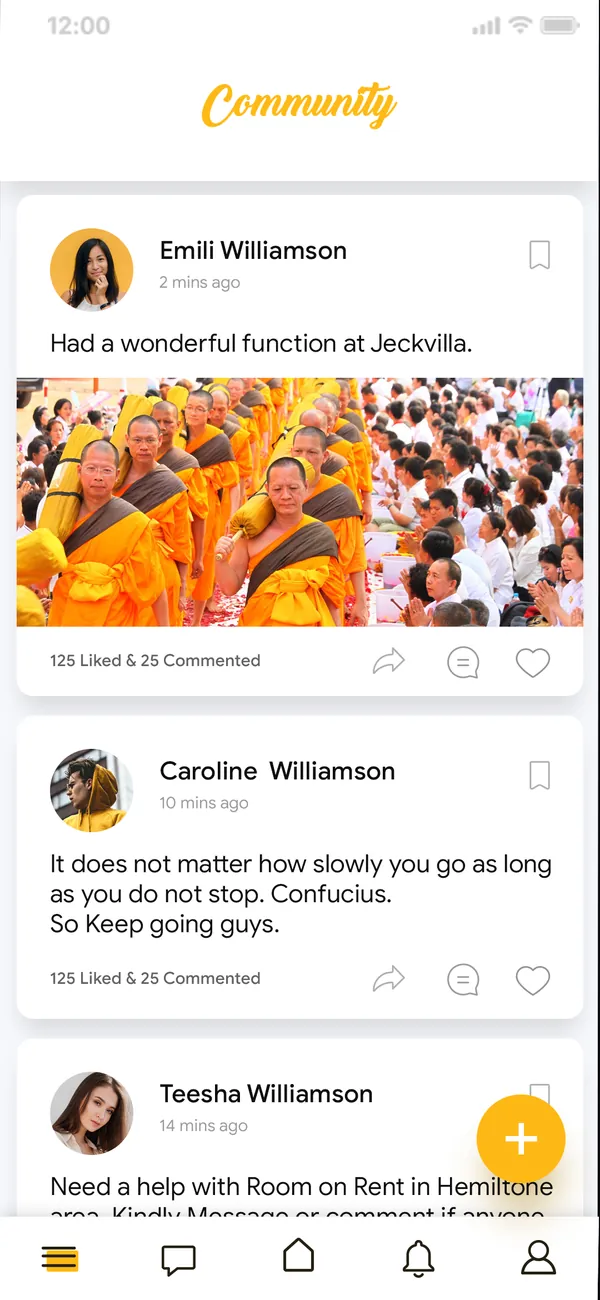
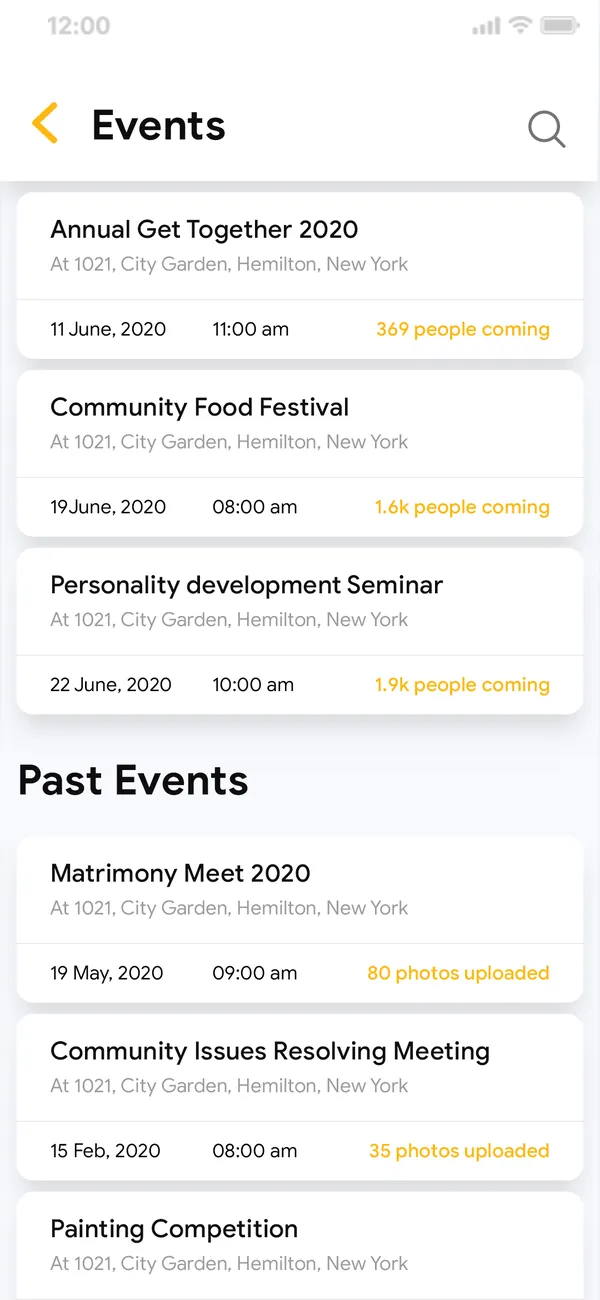
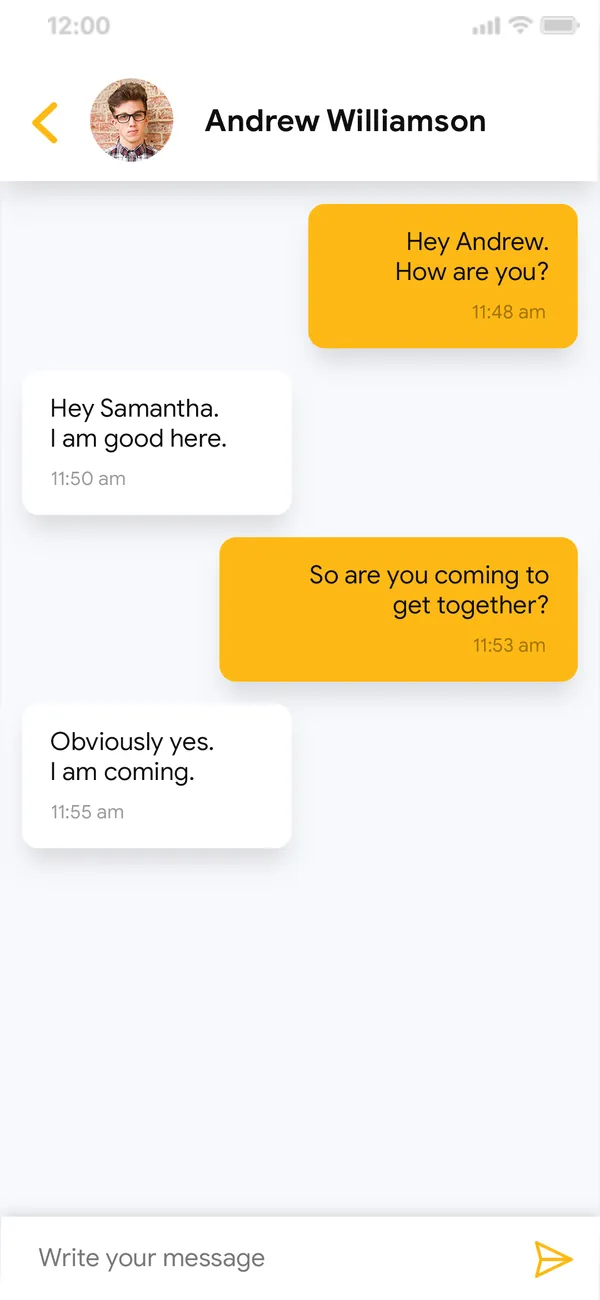
Bring profiles, conversations and content together with moderation and reporting flows. Plan notification choices and account controls alongside engagement features.
Plan this workflow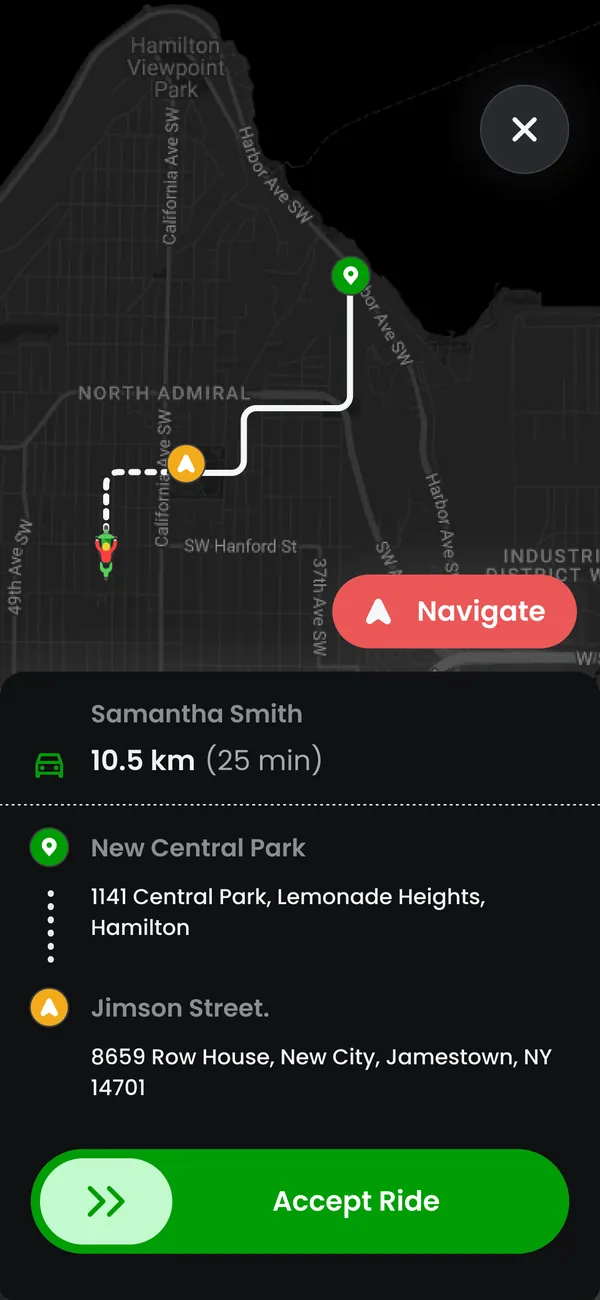
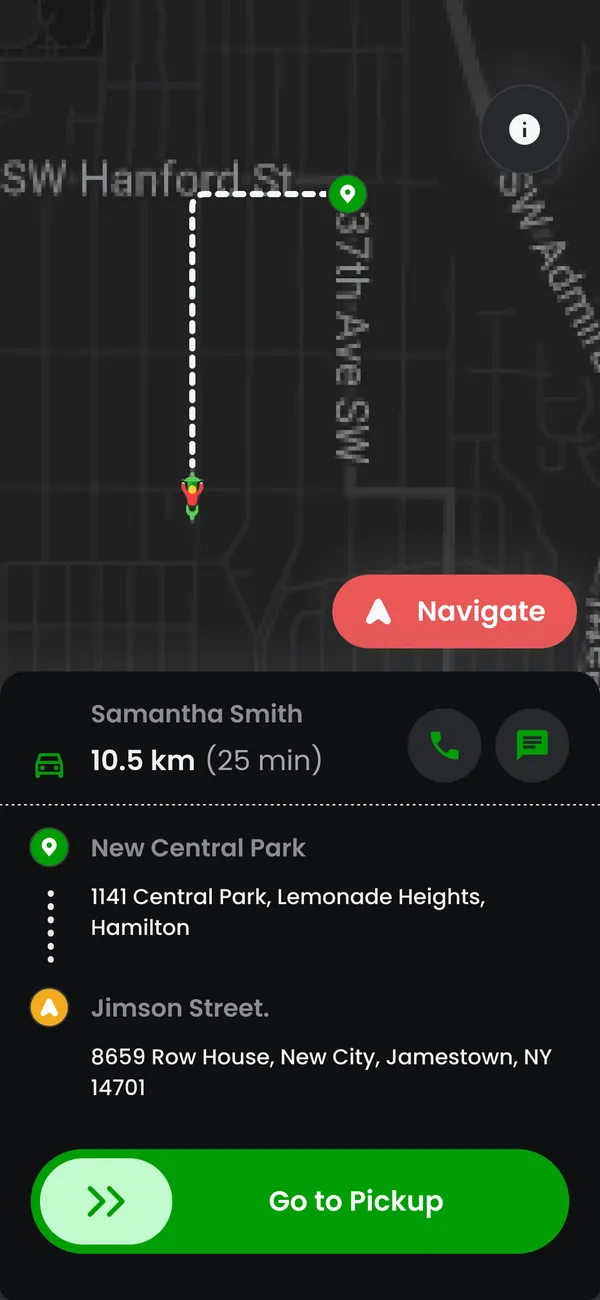
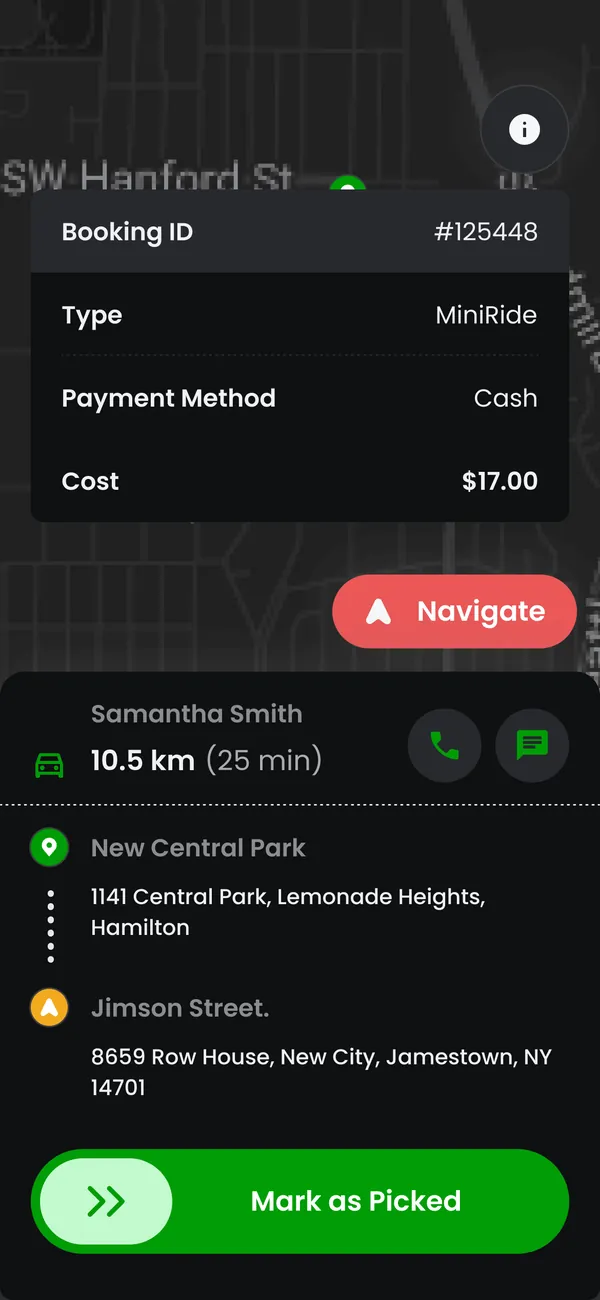
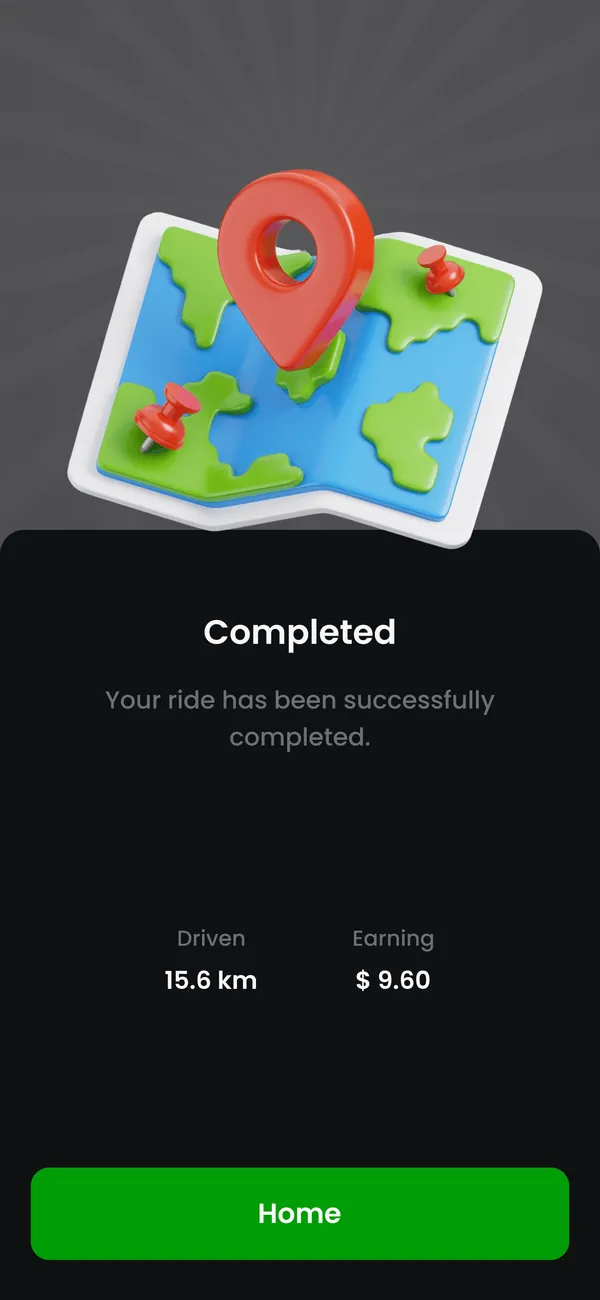
Use device capabilities and APIs for the agreed journey. Location, camera and notifications should have a clear purpose and appear at the moment the user needs them.
Plan this workflowThe right architecture follows the workflow, data and operating environment. Tool choices are part of the project scope.
Kotlin and Android tooling can be used for a native implementation.
Existing APIs or a scoped backend with administration requirements.
Device coverage, accessibility checks and release build validation.
Screen hierarchy, navigation and device-appropriate controls.
Authentication, API integration and predictable loading states.
Permission requests tied to a visible user benefit.
Relevant events, preferences and deep-link destinations.
Slow connections, empty results and interrupted actions.
Build configuration, store materials and handover documentation.
Choose the first user journey and the devices and connections it needs to support.
Design the screens, permissions and responses to interruption.
Build the agreed Android flow and connect its data and services.
Test supported devices and agreed failure states, then prepare the release materials.
Permissions should match the feature being used. We define what the app stores locally, how sessions expire and what happens when connectivity changes. Release checks cover the complete journey, including error and empty states, rather than only successful screens.
The main task works on the agreed device and OS coverage.
Permission refusal has a clear, usable fallback.
Interrupted submissions do not create duplicate records.
Yes, after reviewing the API, authentication, data model and response behavior. Missing endpoints can be scoped separately.
Selected workflows can support offline use. The data to store, conflict rules and synchronization behavior need to be designed for those specific tasks.
Release preparation can include builds, listing assets and submission guidance. Store approval is controlled by the platform and is not guaranteed.
Yes. We can review a focused journey, resolve interface or integration issues, or plan a staged upgrade based on the current codebase.
Share the users, the systems involved and the outcome you want the product to support.
Discuss android development