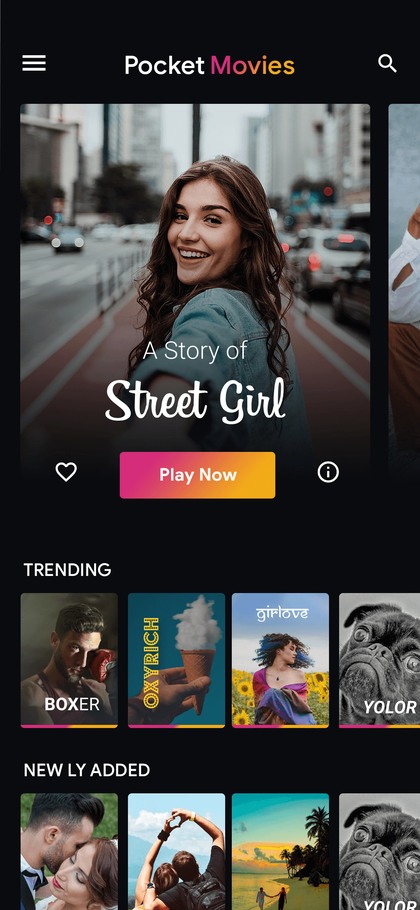
OTT, music & audio apps · from $3,000
Pocket Movies
Film & series streaming interface
View productConfirm the supplied version in the walkthrough.

Ready-made product collection
Explore video, music, podcasts and audiobook apps. Compare the way each product presents titles, plays content and supports the people who manage it.
Browse 5 products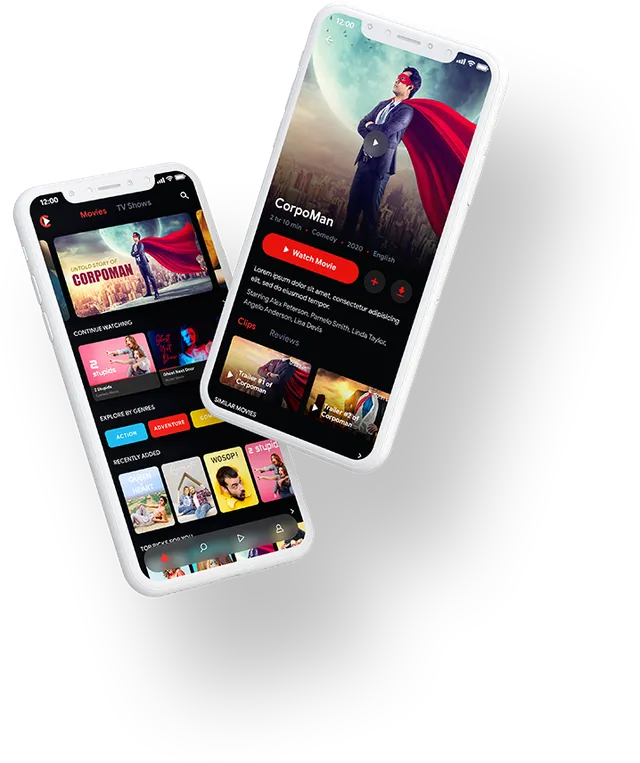
Film & series streaming interface
View productConfirm the supplied version in the walkthrough.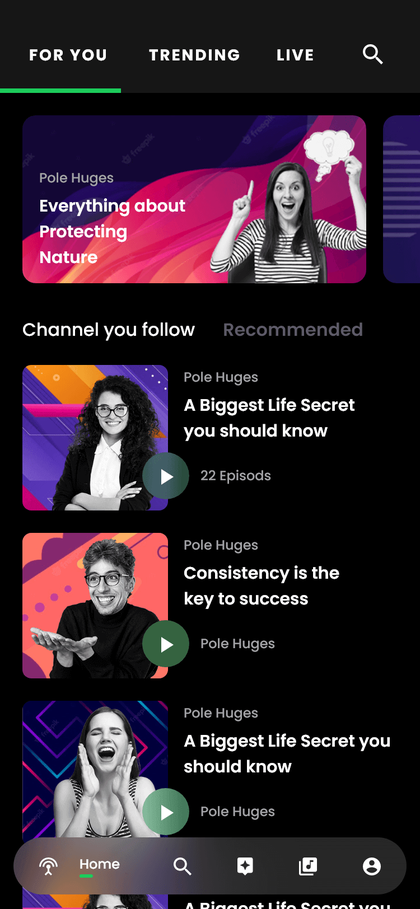
Podcast discovery & listening
View productConfirm the supplied version in the walkthrough.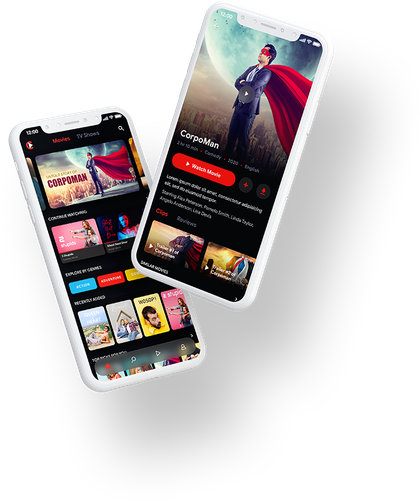
Movie and Web Series Streaming App
View product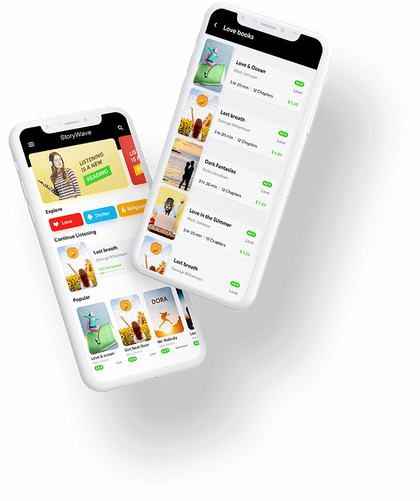
Audiobook App
View product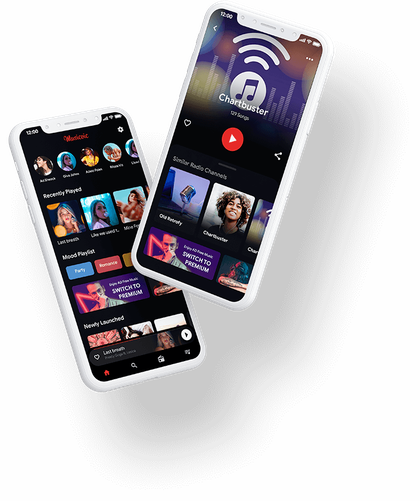
Music Streaming and Playback App
View productOTT, music & audio apps
Your media catalogue, streaming source and content permissions determine much of the implementation. Review those alongside navigation, playback and the current package before choosing a product. The catalogue presentation is a starting point for the experience; it does not supply third-party media rights.
Decide how viewers or listeners find the catalogue.
Review playback, queues and account access.
Confirm who supplies the media, hosting and usage rights.
From shortlist to delivery
Make it fit your operation
Bring a sample title and its licensed media source. Review discovery and playback, then agree hosting, access and publication requirements.
Explore related development