
Use case 01
Intake and routing
Read an incoming request, identify the needed information and prepare a task for the correct team. Let ambiguous requests return for clarification instead of guessing an owner.
Plan this workflow

Growmoon develops AI agents for defined tasks across business systems. Set the tools each agent can use, the actions that need review and what your team can see about the task’s progress.

A request may need to become a task, a document may need review and a record may need updating in another system. Start with one sequence your team can assess. Define which steps the agent can take and where it must ask for help.
An interactive workflow concept. The sequence is illustrative; it does not connect to live systems.
Prepare a reviewable task from the incoming document.
Read the relevant record through the agreed interface.
Show the proposed action before changing a business record.
Keep the decision and task history with the result.
Step 1 of 4 · Understand the request
Choose a use case to see what the experience needs to connect.
Read an incoming request, identify the needed information and prepare a task for the correct team. Let ambiguous requests return for clarification instead of guessing an owner.
Plan this workflow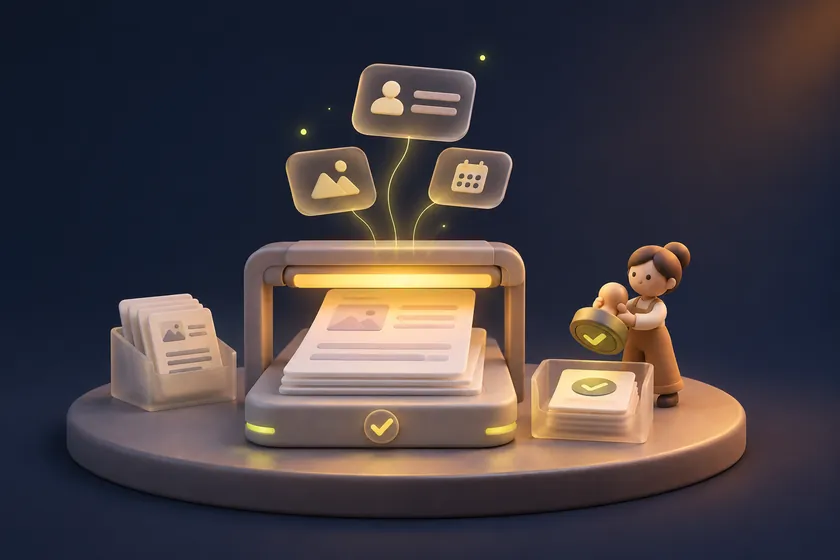
Extract agreed fields, compare them with rules and prepare a review summary. A reviewer can accept or correct the result before it changes a business record.
Plan this workflow
Retrieve account context and prepare a response or an approved next action. Separate reading data from making changes, with permissions appropriate to the current user.
Plan this workflow
Help a team find information and coordinate routine work across approved tools. Keep a visible task history so a person can understand what the agent attempted.
Plan this workflowA clear sequence of inputs, decisions and tool calls.
Narrow API access aligned to the workflow and user role.
Human review where a decision changes important business state.
Task progress, retry rules and a path for interrupted work.
Useful records of actions, results and unresolved questions.
Realistic scenarios for correct, incomplete and conflicting inputs.
An agent needs a stopping rule as well as a next action. We define when it can proceed, when it must request review and what to do after a failed tool call. Usage budgets and limited retries keep a task from quietly running beyond its intended scope.
In a local simulation with fictional records, a denied write left the record unchanged. A simulated reviewer could approve one restart. A separate matching write grant was still required, and the model reported success only after reading back the expected value. Read the 6 offline test results (JSON).
Use the API acceptance worksheet to specify a tool action's saved result, repeated requests and recovery owner. Its accompanying Python exercise demonstrates selected local retry behavior.
The agent follows the permitted steps for the agreed scenarios.
A failed tool call does not produce a false completion message.
Important changes can be traced to a request and reviewed by a person.
Start with an approved information source and one journey worth improving.
Product discovery, order questions and customer-service handoffs.
Explore the industry ↗Trip information, booking assistance and traveller communication.
Explore the industry ↗Learning material, course questions and clear next actions.
Explore the industry ↗Service information and administrative journeys within the agreed scope.
Explore the industry ↗Listing questions, enquiry context and viewing coordination.
Explore the industry ↗Internal knowledge, request routing and permission-aware work.
Explore the industry ↗The right architecture follows the workflow, data and operating environment. Tool choices are part of the project scope.
Explicit states and tool contracts, with model assistance where it adds value.
CRM, business APIs and document sources selected for the task.
Review queues, run records, usage budgets and scenario-based checks.
Pick a repeatable task and identify the tools, inputs and decisions it needs.
Agree which steps the agent can take, where people approve and what to log.
Connect the agreed tools and review task runs in the chosen environment.
Test failures and human intervention, then document ownership and operating limits.
A chatbot primarily answers through conversation. An agent can coordinate a defined task and call tools. A product may combine both, but each action still needs permissions and a clear outcome.
Yes, subject to API capabilities and access. We map the systems, permitted actions and failure behavior before choosing an orchestration approach.
No. The review level should match the action. Routine, reversible steps can be scoped differently from actions that change important records or contact a customer.
Use agreed scenarios and acceptance criteria, including incomplete inputs, unavailable tools and mistaken suggestions. A successful demonstration alone is not a full evaluation.
Share the users, the systems involved and the outcome you want the product to support.
Discuss AI agent development